CLI, SDK and config
CLI
Install the usertasks CLI, log in with a browser or API key, use profiles and output formats, and script everything.
usertasks is the command-line interface for UserTasks. It talks only to the public REST API, so the server enforces exactly the same permissions as for any other client. Every REST operation has a command (generated from the OpenAPI document), plus hand-written commands for login, config as code and live logs.
Install
npm install -g @usertasks/cli     # Node.js 20+
usertasks --version
Log in
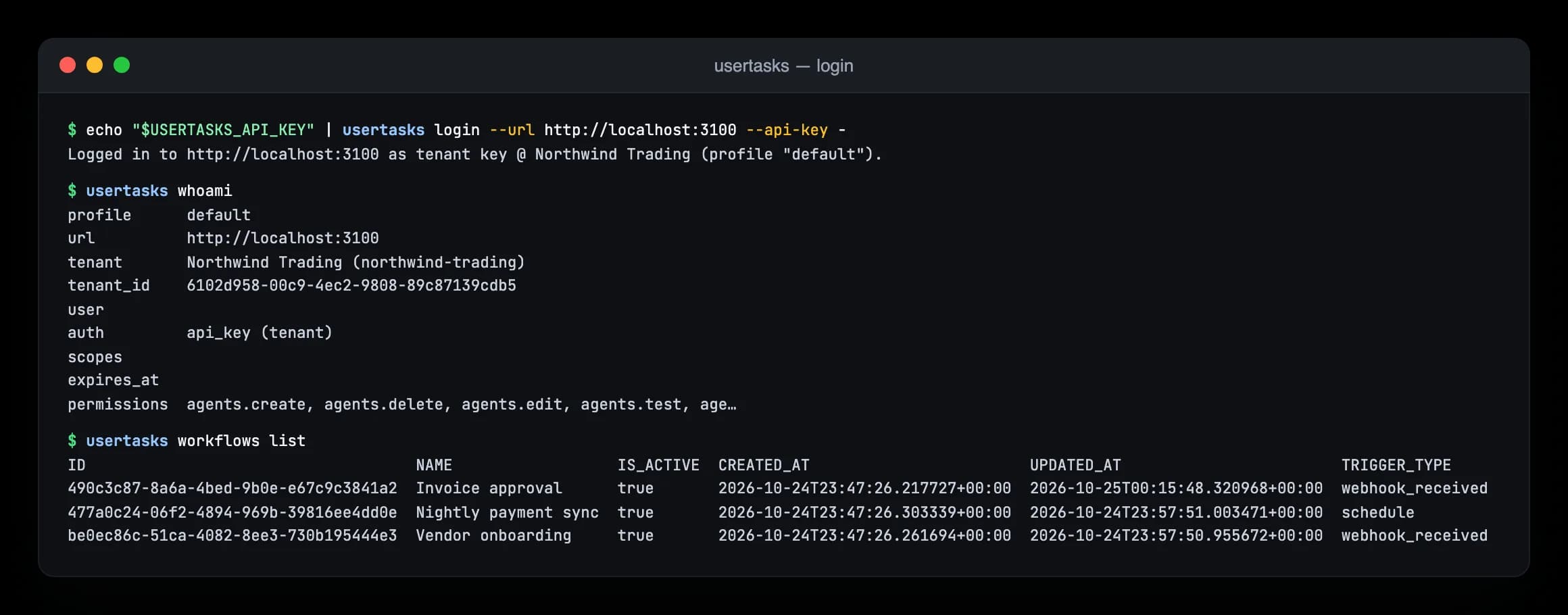
usertasks login --url https://tasks.example.com          # opens your browser (OAuth + PKCE, loopback redirect)
usertasks login --url https://tasks.example.com --api-key -  < key.txt   # or store an API key
usertasks whoami
Browser logins refresh automatically and request every scope except keys:write; add it with --scopes …,keys:write if the CLI must create API keys (those keys must expire within 90 days). usertasks logout revokes the tokens.
CI: set USERTASKS_URL and USERTASKS_API_KEY — no login or profile needed. USERTASKS_API_KEY always overrides a stored credential.
Profiles
Each login is saved as a profile (server URL and credential). Profiles live in $XDG_CONFIG_HOME/usertasks/config.json (~/.config/usertasks, or %APPDATA%\usertasks on Windows); the folder is created with mode 0700 and the file 0600.
usertasks login --url https://dev.example.com --profile dev
usertasks login --url https://tasks.example.com --profile prod
usertasks --profile dev workflows list
usertasks profiles use prod           # default from now on (or USERTASKS_PROFILE)
usertasks profiles list
Create, update, delete
Give a command a body with -f <file|-> (JSON or YAML, - for stdin) or field by field with --set:
| Form | Sets |
|---|---|
--set key=value | a string |
--set key:=<json> | a JSON value (amount:=1200, tags:='["a","b"]') |
--set key=@file | the file's text |
--set key:=@file | a parsed JSON or YAML file |
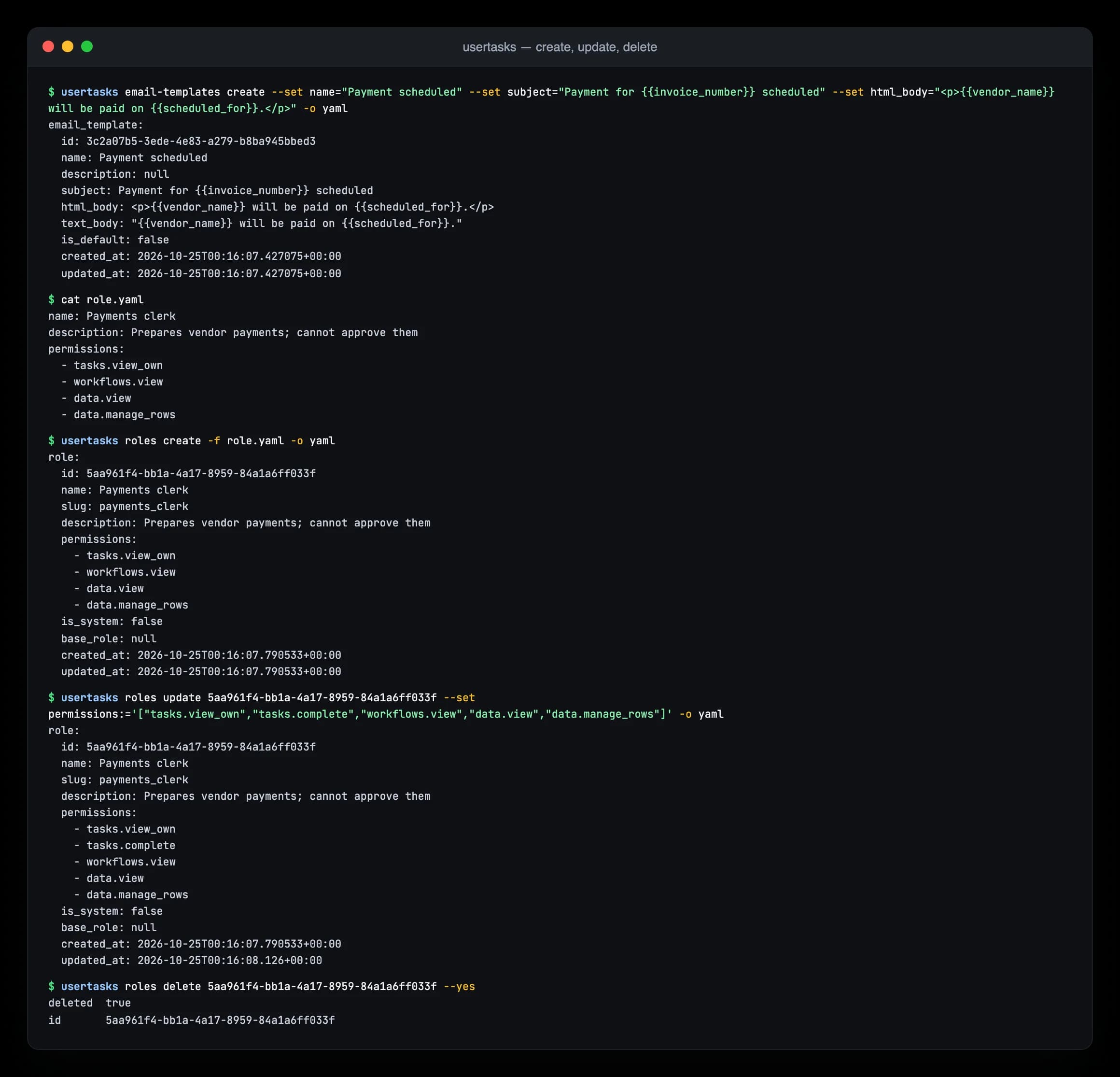
usertasks email-templates create --set name=Welcome --set subject="Hi {{first_name}}" --set html_body=@welcome.html
usertasks roles create -f role.yaml
usertasks roles get <id> -o json > role.json && $EDITOR role.json && usertasks roles update <id> -f role.json
usertasks roles delete <id> --yes
<resource> get <id> -o json output is always accepted by <resource> update <id> -f: read-only fields are ignored and __SECRET__ keeps stored credentials. Destructive commands ask for confirmation on a terminal; pass --yes in scripts.
Monitor
usertasks runs list --status failed
usertasks logs tail --category workflow,integration --severity warn
usertasks log-destinations status <id>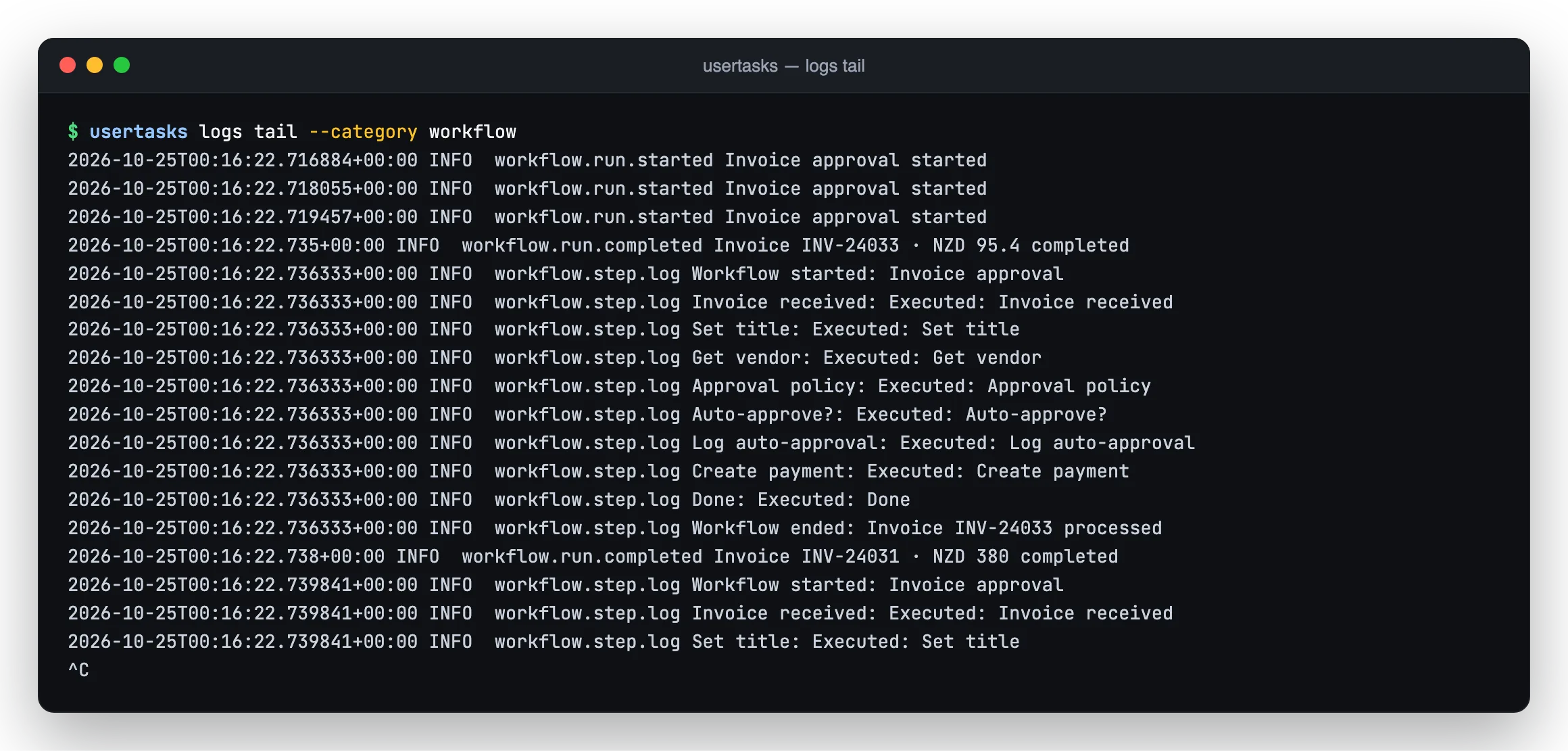
logs tail follows the event stream live and reconnects without gaps.Output
-o table|json|yaml(defaulttableon a terminal,jsonwhen piped; orUSERTASKS_OUTPUT).--allfetches every page;--limit/--offsetfetch one.--quiethides informational messages;--debuglogs HTTP requests to stderr.usertasks api GET /workflows -q limit=5calls any endpoint and prints raw JSON.
Exit codes are stable for scripts — see the command reference.
Shell completion
usertasks completion bash > /etc/bash_completion.d/usertasks
usertasks completion zsh > "${fpath[1]}/_usertasks"
usertasks completion fish > ~/.config/fish/completions/usertasks.fish
Next: the full command reference and recipes.