Observability
Observability and log export
One event stream for workflow, integration, agent, task, audit and security events — shipped to Splunk, Datadog, OpenTelemetry or a webhook, or pulled and tailed yourself.
Workflow runs and step logs, integration calls, agent runs, task lifecycle, audit, security and system events are normalised into one event stream per workspace, with a common envelope and stable, increasing ids. You can use it three ways:
| How | Best for | |
|---|---|---|
| Push | Log destinations: Splunk HEC, Datadog Logs, OpenTelemetry (OTLP/HTTP), signed HTTPS webhooks | Your existing log platform, SIEM and alerting |
| Pull | GET /api/v1/events (cursor) and GET /api/v1/events/stream (Server-Sent Events) | Your own consumers |
| Tail | usertasks logs tail / usertasks logs export, MCP events_list | Developers and operators |
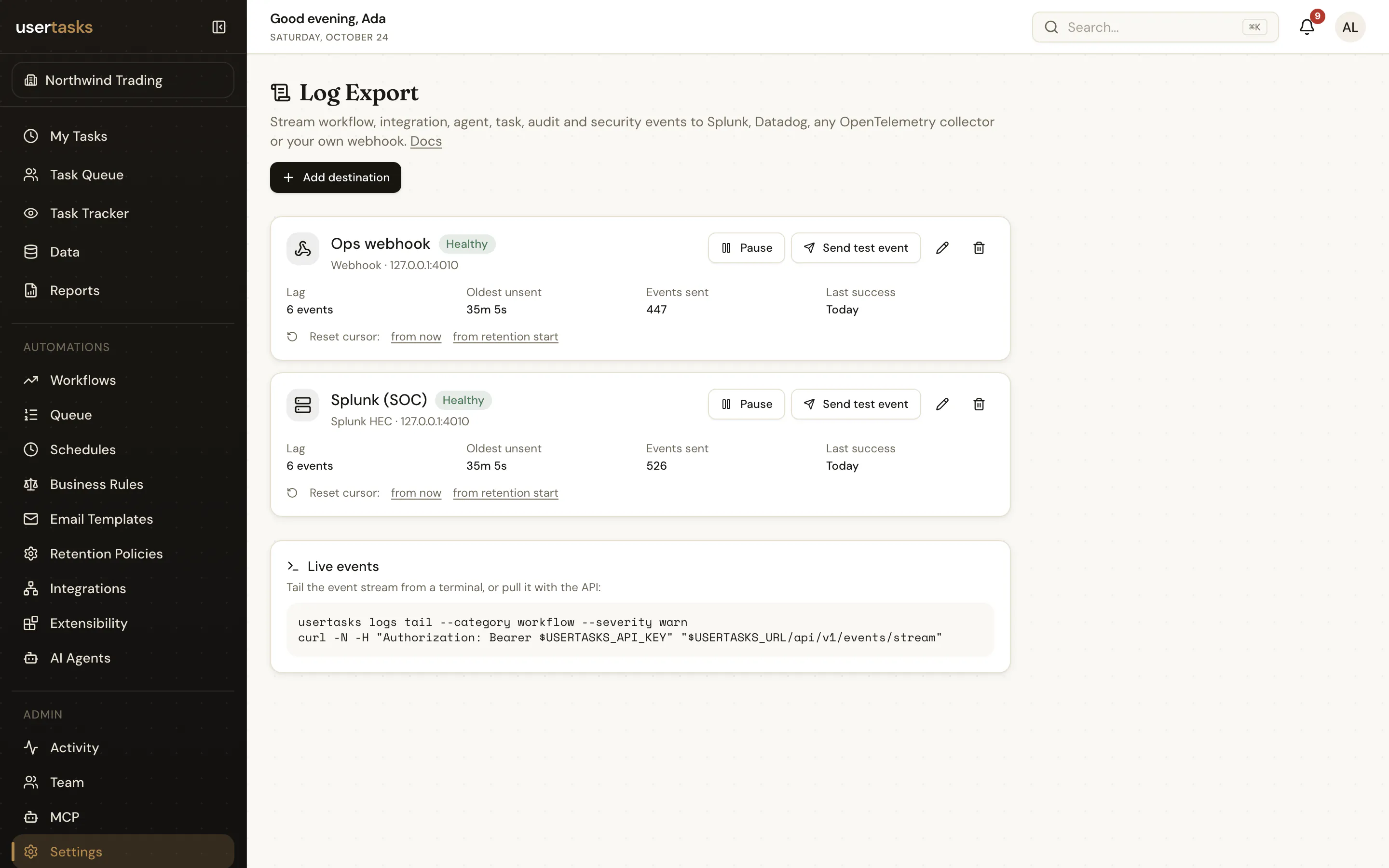
Guarantees
- At least once. A destination's cursor only advances after a 2xx, so retries can repeat events — dedupe on the event
id. Failed deliveries back off exponentially (capped at 5 minutes). - Seconds, not minutes. The shipper runs every minute and drains in batches; most events arrive within seconds of the next run.
- Retention. Events are kept for 72 hours by default (
tenants.settings.event_stream_retention_hours, at most 168). A destination that falls further behind is markedlagging_data_lostand asystem.log_export.data_lostevent is recorded. - Health. After 5 consecutive client errors a destination becomes
failing; owners and admins are notified once per transition.
Safe by construction
Events carry allow-listed fields only. They never contain request or response bodies or headers, prompts, model outputs, credentials or full audit diffs. Destination credentials are encrypted and never shown again.
Permissions
| To… | You need |
|---|---|
| Read events, tail logs, see destinations | observability.view (OAuth scope events:read) |
| Include audit and security events | settings.view as well |
| Create, change, test or reset destinations | settings.edit as well |
Owner and Admin have observability.view by default; add it to custom roles that need it.
Tail from a terminal
usertasks logs tail --category workflow --severity warn
usertasks logs tail --type 'workflow.run.*,*.failed' --workflow <id>
usertasks logs export --since 1h > events.ndjson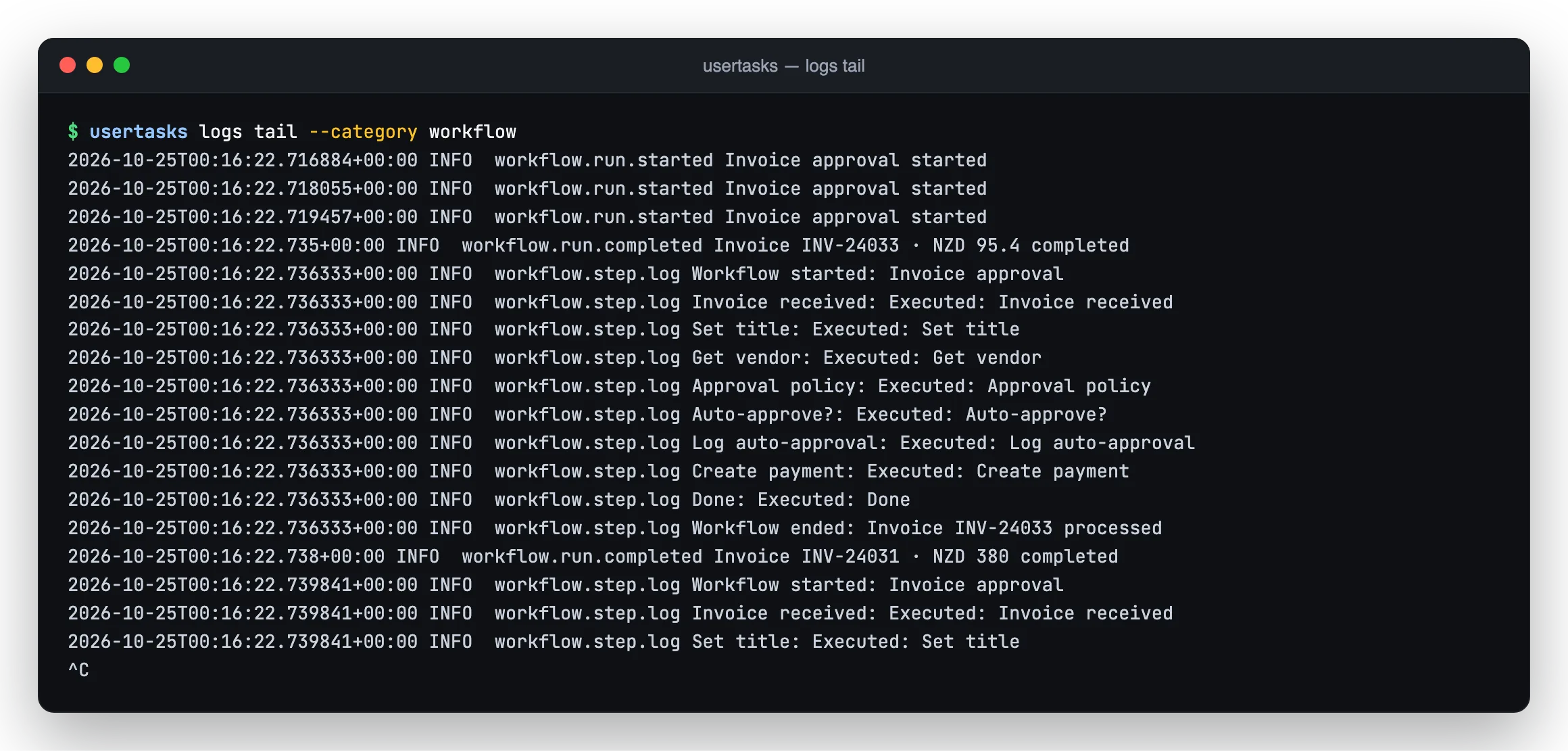
Next: destinations and the event reference.