Building blocks
Email templates
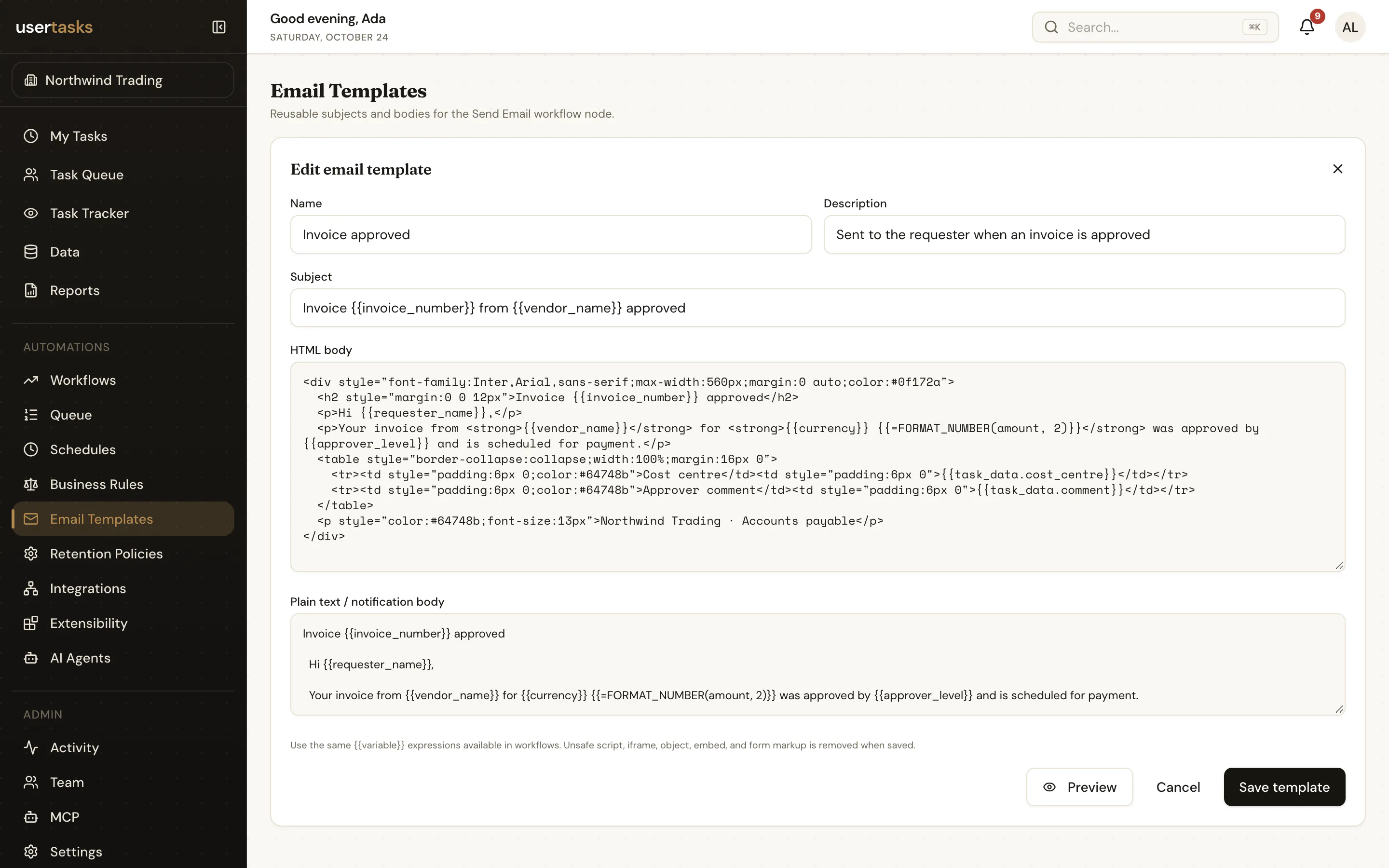
Reusable, sanitised HTML emails with variables, used by Send Email nodes and task notifications.
An email template has a name, a subject, an HTML body and an optional plain-text body (generated from the HTML when omitted). Subject and bodies accept the same expressions as workflow settings. HTML is sanitised before it is stored and rendered.
bash
usertasks email-templates create --set name="Invoice approved" \
  --set subject="Invoice {{invoice_number}} approved" --set html_body=@approved.html
usertasks email-templates preview <id> --set variables:='{"invoice_number":"INV-1042"}'
Where templates are used
- Send Email nodes: pick a template with
email_template_id; recipients, sender and reply-to stay on the node. - User Task notifications:
notification_template_idon the User Task node, or the workspace default (is_default).
Sending needs an email provider: set RESEND_API_KEY and EMAIL_FROM when self-hosting.