Building blocks
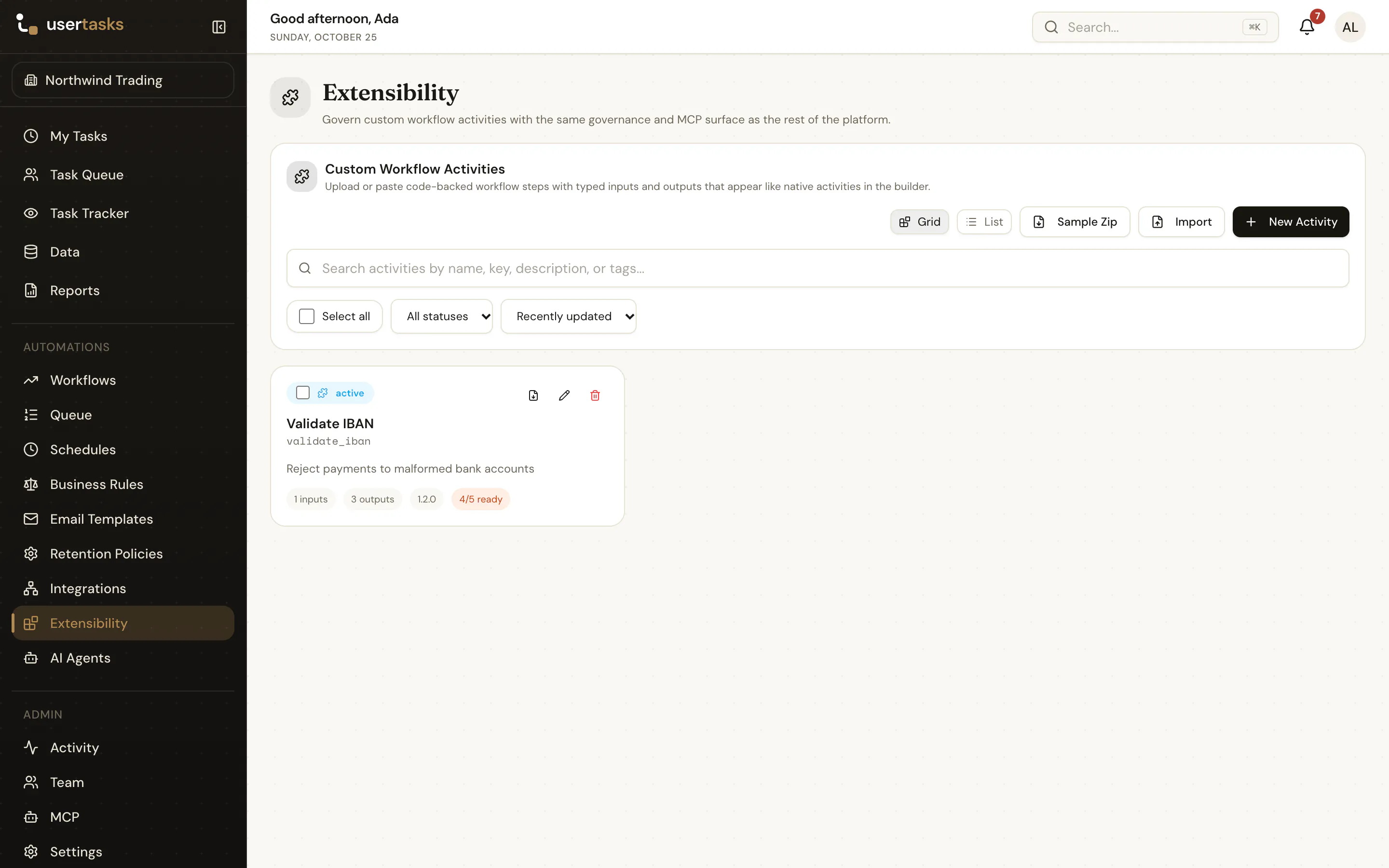
Custom workflow steps
Package your own JavaScript as a typed workflow node with inputs, outputs, logging and versioning.
A custom workflow step (an activity) is a small JavaScript function with a typed manifest. Once active, it appears in the designer palette next to the built-in nodes, with a settings panel generated from its inputs.
The contract
{
  "inputs": [
    { "name": "score", "label": "Score", "type": "number", "required": true },
    { "name": "customer_name", "label": "Customer name", "type": "string" }
  ],
  "outputs": [
    { "name": "score_band", "label": "Score band", "type": "string" },
    { "name": "evaluated_at", "label": "Evaluated at", "type": "string" }
  ]
}async function run(inputs, context, helpers) {
const score = Number(inputs.score ?? 0)
const band = score >= 80 ? 'green' : score >= 50 ? 'amber' : 'red'
helpers.log('Scored', { score, band, runId: context.runId })
return { outputs: { score_band: band, evaluated_at: helpers.now() } }
}
module.exports = runDownload the starter template (code, manifest and README).
Lifecycle
Steps are draft, active or archived and carry a stable key and version. Export and import them as JSON (usertasks activities export|import) or move them with config as code.
Custom step code runs in the app process, without a sandbox. It only executes when the server sets ENABLE_CUSTOM_ACTIVITY_CODE=true; leave it off unless every author is trusted.
Permissions: extensibility.view, extensibility.create, extensibility.edit, extensibility.delete.