Governance and security
API keys
Workspace and user-context API keys with permission ceilings, resource allow-lists, expiry and revocation.
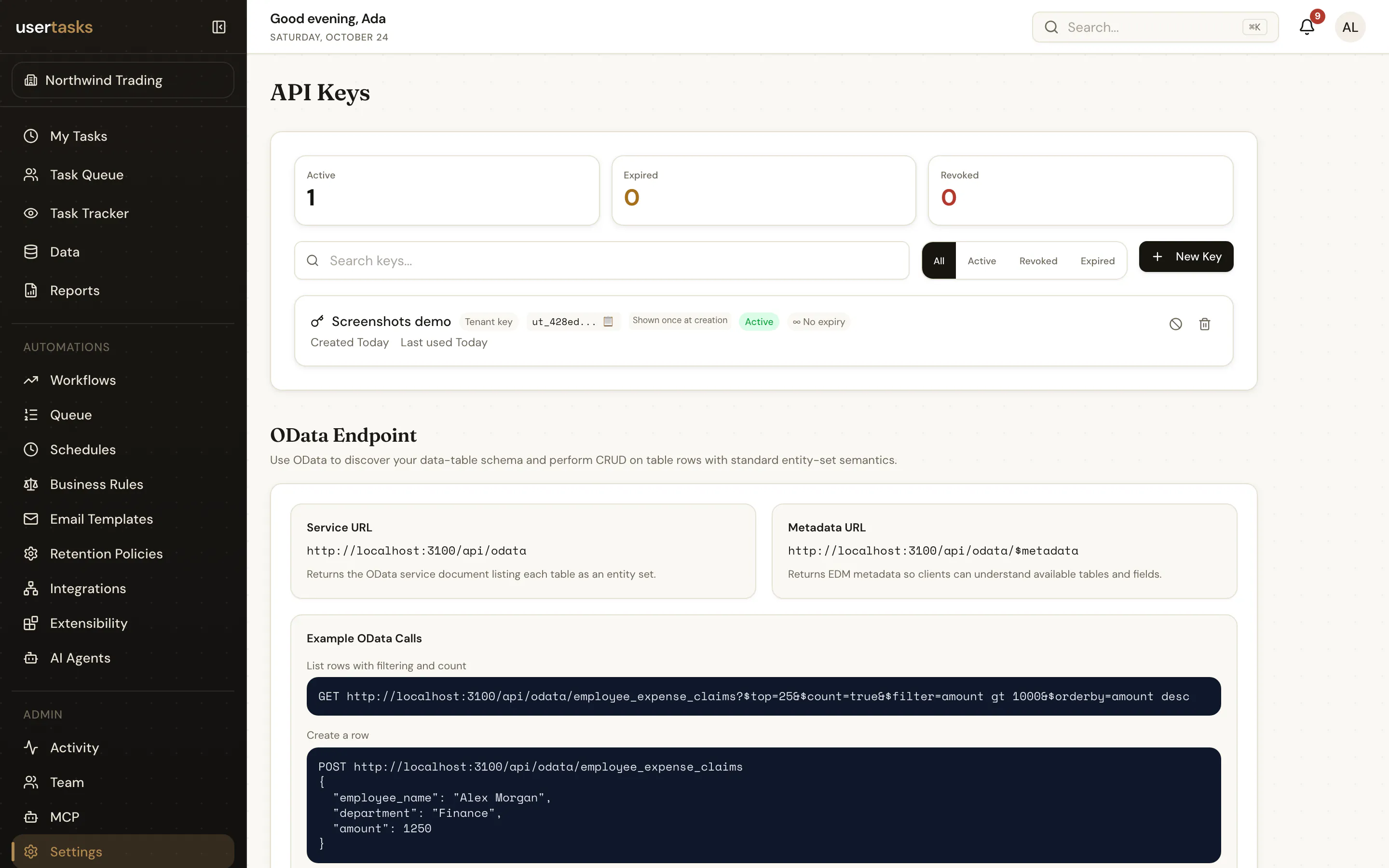
API keys authenticate the REST API, MCP and CLI (Authorization: Bearer ut_…). Create them in Settings → API Keys, with the API, MCP or CLI.
| Setting | Meaning |
|---|---|
key_type | tenant: acts for the workspace. user: acts as user_id and only sees what that user can see. |
permissions | The key's ceiling — a subset of the creator's permissions. Omit to inherit. |
workflow_ids, table_ids | Optional allow-lists: the key can only touch these workflows / data tables. |
expires_in_days | 1–3650 days (at most 90 when the key is created through an OAuth token). |
usertasks api-keys create --set name="CI deploy" --set permissions:='["workflows.view","workflows.edit","workflows.activate"]' --set expires_in_days:=30
usertasks api-keys revoke <id>
The full key is shown once. UserTasks stores a bcrypt hash and a short prefix; successful validations are cached in memory for 60 seconds and last_used_at is updated at most once a minute. Revoking a key takes effect immediately on the instance that handles the revocation and within 60 seconds elsewhere.
Repeated authentication failures produce sampled security.api_key.auth_failed events (at most one per key prefix per 5 minutes). Creating, revoking and deleting keys is audited.
Managing keys needs settings.manage_api_keys. OAuth clients need the first-party-only scope keys:write, so third-party apps can never mint keys.